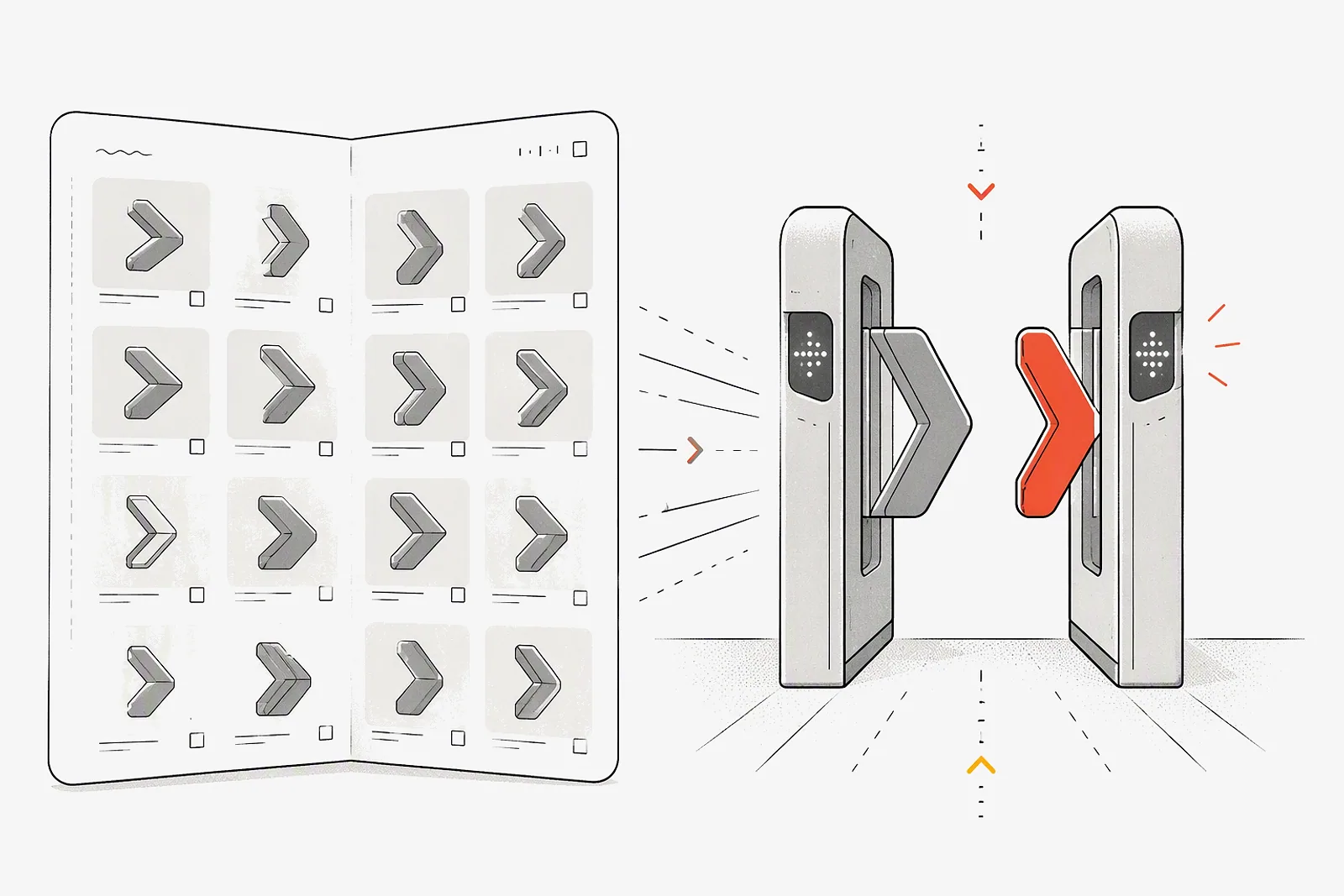
A model catalog is the list of model ids a platform can serve, and model access control is the rule that decides which of those ids a given key may call. On ATP Token, GET /v1/models returns the catalog, and the project's allowed-model list is checked on every request, with a 403 before any provider is contacted. This post shows the request and response, explains what the 403 means, compares OpenAI and OpenRouter, and gives four allowlists with their list rates.
Two different questions
The order matters. The gateway authenticates the key, checks the model against the project's allowed list, routes to a provider, then meters tokens against the project balance (how it works). A model can pass the second row and still fail the third.
What GET /v1/models returns
The request uses your project key and the OpenAI-format base URL:
curl https://api.atptoken.ai/v1/models \
  -H "Authorization: Bearer atp-..."
The response is an OpenAI-style list. Each id is the exact string to put in the model field of a request:
{
  "object": "list",
  "data": [
    { "id": "claude-sonnet-4-6", "object": "model", "created": 1700000000, "owned_by": "llm-gateway" },
    { "id": "gpt-5.4", "object": "model", "created": 1700000000, "owned_by": "llm-gateway" }
  ]
}
The model discovery docs state that this list is not scoped to your project. Use it to get current ids instead of copying names from a provider dashboard or a blog post. Do not read it as a list of permissions.
What a 403 means
A 403 from ATP Token means the key is valid and the model id is real, but the model is not enabled for the key's project. The common responses page describes it in one line: the model is not enabled for this project. The request stops at the authorization step and never reaches a provider. Like every ATP error, the response carries a request_id and uses the error format of the SDK you called.
A typical case: a developer sees claude-opus-4-8 in the catalog and switches the support bot to it in a feature branch. The support bot's project allows only claude-haiku-4-5 and gemini-3-5-flash, so staging returns 403 on the first request. That is the allowlist doing its job. At ATP list rates, a 2,000-token prompt with a 300-token reply costs 1.75 credits on claude-opus-4-8 (USD 5 input and USD 25 output per million tokens) against 0.35 credits on claude-haiku-4-5 (USD 1 and USD 5), five times more per reply.
Two client rules follow. Do not retry a 403, because it will fail the same way every time. Log it with the request ID and route it to the project owner, who either changes the model in code or asks an Admin to widen the list.
How OpenAI and OpenRouter do the same job
In OpenAI's model, the Model usage setting sits next to the project's monthly spend limit and notification threshold. In OpenRouter's, the same guardrail can also hold a spending cap and a provider allowlist, and the strictest applicable rule wins. On ATP Token, the allowed list sits next to the project's credit allocation, and every key in the project inherits both.
Designing allowlists: four project templates
- Start with the cheapest model that passes your evaluation, then add one alternative from a second vendor. The gateway already fails over between providers for the same model id (provider routing); the second model is for when you want to switch models in code. For the Gemini or GPT choice, see Gemini vs GPT.
- Give frontier models their own project with a small allocation. Research gets Opus and GPT-5.5 without the support bot being one config change away from them.
- Treat widening a list as a change request. Managing resources is an Admin permission, and the Activity log records resource updates (usage and logs).
- Pair every allowlist with a budget. An allowed model with an unlimited balance is still a surprise bill (AI API spending limits compared).
Setting this up in ATP Token
- On the Resources page, create the project and choose its allowed models (workspaces and projects).
- Allocate credits to the project, then issue a key from it (managing API keys).
- Call
GET /v1/modelsto copy exact ids into your configuration. - Send one test request per configured model from staging. A 200 confirms access; a 403 means the model is missing from the project's list.
- In request logs, filter by status to find any 403s after a deploy.
Quickstart: list models and send a first request