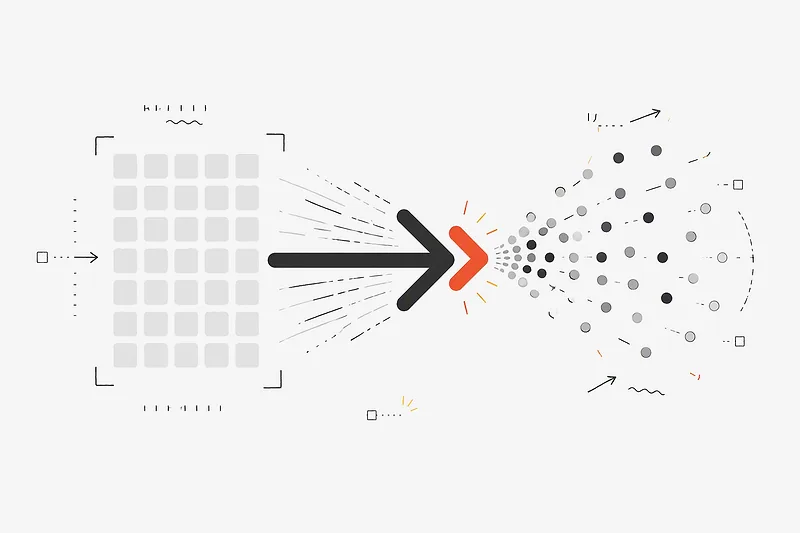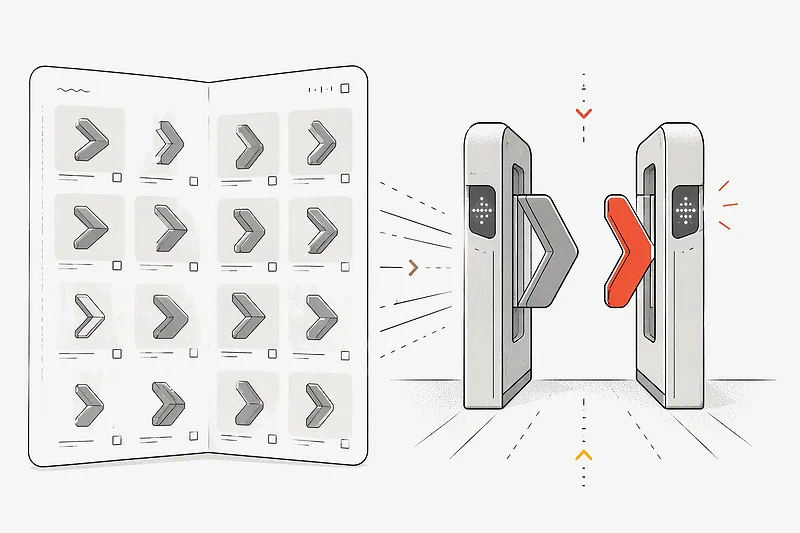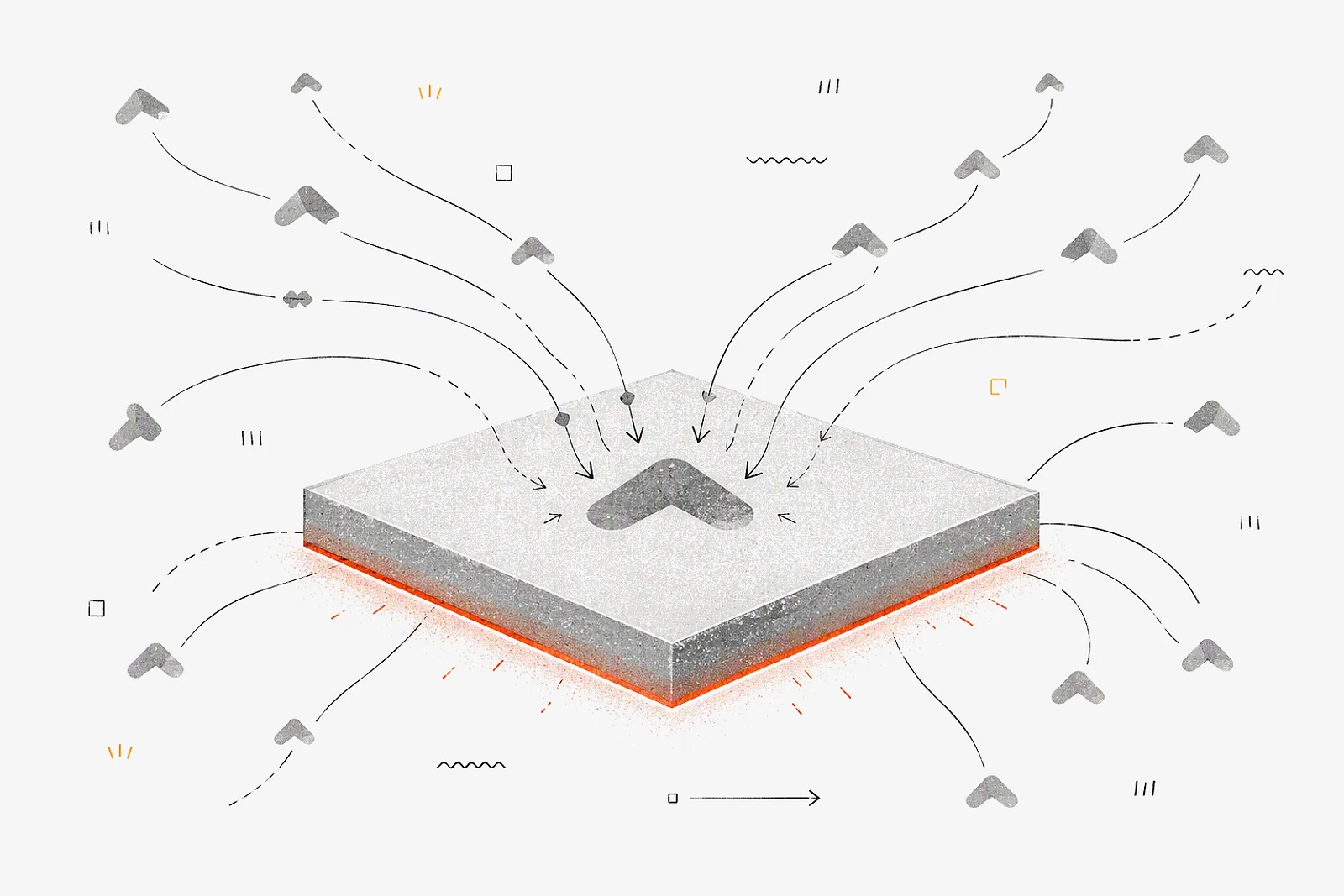
Shadow AI is the use of AI tools or applications by employees without the approval or oversight of the IT department, in IBM's definition. In practice it means a personal ChatGPT account with a customer contract pasted in, or a personal API key running a nightly job on a company card. This guide covers five concrete forms, the 2025 numbers, four ways to detect it and a setup that makes the approved path quicker than the shadow one.
Shadow AI at a glance
Shadow AI is a subset of shadow IT. The difference is that every prompt is a data transfer, and API usage is billed per token, so one unreviewed script can create both a data question and a spend question in the same week.
How common shadow AI is: 2025 data
IBM's 2025 Cost of a Data Breach report (published July 2025) found:
- One in five organizations reported a breach due to shadow AI.
- Organizations with high levels of shadow AI saw breach costs an average of USD 670,000 higher than those with low or no shadow AI.
- 13% reported breaches of AI models or applications, and 97% of those organizations lacked proper AI access controls.
- Only 37% have policies to manage AI or detect shadow AI.
The Verizon 2025 Data Breach Investigations Report adds the identity angle. 15% of employees routinely accessed generative AI on corporate devices. Of those, 72% used non-corporate email addresses as the account identifier, and 17% used corporate email without integrated authentication.
The 72% figure matters for offboarding. An account registered to a personal email address is outside your identity provider, so disabling the employee's SSO login does not close it.
Five shadow AI examples
1. Personal ChatGPT or Claude accounts with company data
A finance analyst pastes a draft board memo into a personal chatbot account to tighten the wording. The data is now processed under the terms of whatever plan that person signed up for, and nobody in security knows it happened.
2. A personal API key in a script, paid with a company card
A sales-ops analyst writes a script that summarises 2,000 call transcripts every night with GPT-5.5. At 6,000 input and 800 output tokens per transcript, that is 12M input tokens (USD 60) and 1.6M output tokens (USD 48) at OpenAI's published rate of USD 5 / USD 30 per 1M tokens, as of October 2026. About USD 108 a night, roughly USD 3,240 over a 30-day month, expensed as "software" with no cap.
3. AI features switched on inside approved SaaS
The CRM or the help desk ships an AI assistant, and a workspace admin turns it on. The vendor was reviewed years ago for storage, and the new feature sends that same data to a model provider under terms nobody re-read.
4. A browser extension
An "AI summarise this page" extension needs permission to read every page the employee opens, including the internal admin panel and the HR system. It is free, so it never shows up in procurement.
5. An unsanctioned coding agent
A contractor runs a coding agent against the company monorepo with a personal key. The agent reads .env files into its context and keeps working after the contract ends, because the key belongs to the contractor.
Shadow AI risks
Data
Prompts and uploaded files leave the company without classification. The retention and training terms that apply are those of the employee's own plan, which legal has not reviewed.
Spend
Per-token billing on a personal card has no cap and no owner. Finance sees it as a stream of small reimbursements, and the total only appears when someone adds up a quarter of expense reports.
Offboarding
Keys and accounts tied to a person keep working after that person leaves. With an offboarded contractor's personal key, the only one who can revoke it is the contractor.
Audit
When a customer security questionnaire asks which AI providers process their data, you need a vendor list and request records. Shadow usage leaves no record to point to.
How to detect shadow AI
These four sources are vendor-neutral and most companies already have them.
- Expense reports and card statements. Search merchant names of AI providers and AI SaaS tools for the last 12 months. Small recurring charges from the same employee usually mean a personal API key in production use.
- SSO and OAuth consent logs. List third-party apps users have granted access to through "Sign in with" flows, and filter for AI tools and extensions that are not in your approved catalog.
- Egress and DNS logs. Look up requests to AI provider API domains from servers and CI runners that are not supposed to call them, and from laptops at volumes that suggest scripted use.
- Secret scanning. Run your secret scanner over repositories, CI variables and notebooks for AI provider key patterns. Every hit is both a leak to rotate and a usage path to migrate.
Use the results as a migration list. If people are punished for what a scan finds, the next scan finds less while the usage stays where it was.
How to bring shadow AI under control
The shadow path takes about five minutes: sign up, add a card, copy a key. The approved path needs to be close to that or people will keep using the shadow one. Four things make it competitive:
- A project key issued in minutes, without a procurement ticket for each new model.
- A model allowlist per project, so access is decided once and enforced on every call.
- A small sandbox budget that can't grow into a surprise.
- Per-request logs that show which project, key and model made each call.
Setting this up in ATP Token
ATP Token gives each team a project key that reaches 70+ models from 11 vendors through the OpenAI, Anthropic and Gemini SDKs, with the controls above enforced at the gateway.
Step 1: Create a Team organization and a sandbox workspace
Create a Team organization so you can invite people and assign roles, then add a workspace for experiments next to your production workspace. See Set up your organization.
Step 2: Create a project per team and pick its allowed models
In Resources, create a project and choose its allowed models (at least one). A call to any other model is rejected with 403 before it reaches a provider, as described in How it works. People who want to compare models first can try them in the console Studio before writing code.
Step 3: Allocate a small budget
Allocate, for example, 2,000 credits (USD 20, since 1 credit = USD 0.01) to the sandbox project. The project can only spend what it was allocated, so the allocation is the cap; when the balance is exhausted, requests return 402. The team budget caps recipe walks through it, and AI spending caps that work covers how to size them.
Step 4: Issue a key and swap it into the shadow script
Keys start with atp- and are shown once. For the transcript script in example 2, the change is the base URL and the key:
import os
from openai import OpenAI

client = OpenAI(
    base_url="https://api.atptoken.ai/v1",
    api_key=os.environ["ATP_API_KEY"],  # project key
)
For the coding agent in example 5, point Claude Code at the gateway with environment variables, as in Run Claude Code on ATP:
export ANTHROPIC_BASE_URL="https://api.atptoken.ai"
export ANTHROPIC_AUTH_TOKEN="atp-..."
export ANTHROPIC_API_KEY=""
export ANTHROPIC_MODEL="claude-sonnet-4-6"
The model id must be on the project's allowed list, for example Claude Sonnet 4.6.
Step 5: Add people with the right role
Invite teammates as Members at the workspace or project level so they can use the budget without moving it; Admins manage keys and allocation. See Team & roles.
Step 6: Review usage and revoke on offboarding
The Usage page breaks credits and tokens down by model and by key. Request logs show each call with time, scope, model, status, request ID and token counts, kept for 7 days as a debugging view. The Activity log records sign-ins, invites and quota changes (Usage & logs). When someone leaves, revoke their project keys on the API keys page: revoked keys stop working immediately and stay in the roster for audit (Managing API keys).
ATP only sees traffic that goes through it. The detection steps above still apply to chatbot accounts, extensions and SaaS features; what changes is that the scripts and agents you find have somewhere approved to move to.